We’ve all been there: you see your squad dominating Ranked on Apex Legends, hear about the latest limited-time mode, and immediately head to Steam or Origin to download the game. Before you hit that install button, though, the first question that pops up is can my pc run apex legends? The battle royale has gotten a lot of content updates since its 2019 launch, so specs that worked a few years ago might struggle with the latest maps and character abilities now. This guide breaks down everything you need to know to check compatibility, tweak performance, and jump into matches without constant stutters or crashes.
Official Apex Legends Minimum and Recommended System Requirements
Respawn Entertainment regularly updates its official system requirements to match new content drops, so it’s best to reference these first before you waste time downloading a 60+ GB game you can’t run. The specs below apply to both Steam and Origin versions of the game, and they work for all current seasons.
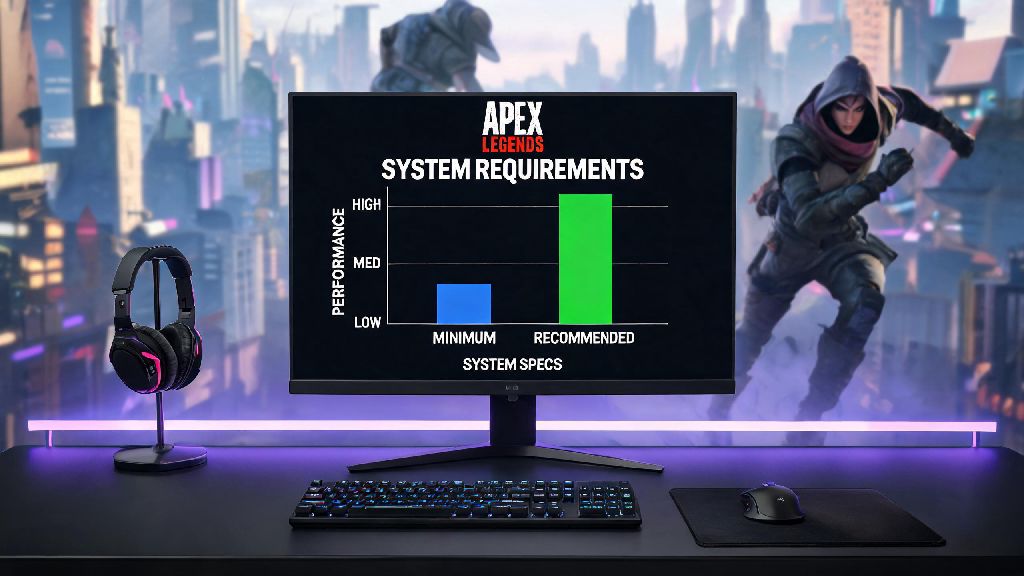
First, the minimum requirements for 720p, 30 FPS on low settings: These are the absolute lowest bar to get the game to boot, but you won’t have a great experience if you only hit these specs. You’ll deal with regular frame drops in busy fights or open areas of maps like World’s Edge.
Next, the recommended requirements for 1080p, 60 FPS on medium settings: This is the sweet spot for most casual players, as you’ll get smooth gameplay without spending a fortune on high-end hardware. If you want to play Ranked or stream the game, you’ll want to hit or exceed these specs.
One thing most players miss is the storage requirement: running the game off an SSD instead of a hard drive cuts load times by 70% or more, and it eliminates stutters that happen when the game loads new map assets mid-match. If you’re still using an HDD for gaming, moving Apex to an SSD is one of the cheapest upgrades you can make to improve performance.
How to Confirm If My PC Can Run Apex Legends Without Downloading It
If you don’t know exactly what hardware is inside your PC, you don’t have to download any sketchy software to check compatibility. First, you can pull up your system specs in 30 seconds: right-click the Windows Start button, select “System” to see your CPU, RAM, and Windows version, then open “Device Manager” and click “Display adapters” to see what GPU you have. Compare those specs to the list we shared above to get a quick answer.
If you want a more accurate check that accounts for driver updates and hidden hardware limitations, you can use free, trusted online system check tools that scan your PC automatically and tell you exactly which components meet the requirements, and which are holding you back. Pay attention to GPU scores most closely, as Apex Legends is far more GPU-intensive than it is CPU-heavy. Even if you have a slightly older CPU, a mid-range GPU from the last 5 years will almost always run the game fine.
For people playing on laptops, keep in mind that mobile versions of GPUs (the ones with an “M” at the end of the model name) are usually 30-40% less powerful than their desktop equivalents. A GTX 1650M might hit the recommended specs on paper, but you’ll likely need to turn a few settings down to get consistent 60 FPS.
Easy Tweaks to Run Apex Legends Smoothly on Lower-End Hardware
If your PC is close to the minimum specs but you still want to play Apex without dropping hundreds on new parts, there are a handful of simple tweaks that can boost your FPS by 20-30% with almost no downside to playability. You don’t have to be a tech expert to make these changes, either.
First, start with in-game settings: turn Texture Streaming Budget down to match your GPU’s VRAM, turn off anti-aliasing if you’re struggling for frames, and set effects like Ambient Occlusion and Dynamic Spot Shadows to the lowest possible value. These settings have the biggest impact on performance, and most casual players won’t even notice the difference in visual quality during fast-paced fights.
Next, adjust a few Windows settings to give Apex more system resources. Go to your Graphics Settings in Windows, find the Apex Legends .exe file, and set it to “High Performance” mode. You should also turn off Background Recording in the Xbox Game Bar settings, as that feature uses valuable GPU resources in the background even when you’re not streaming or recording clips.
If you’re still getting stutters, make sure you have the latest graphics drivers installed. GPU manufacturers like NVIDIA and AMD release regular driver updates optimized for new game releases, and installing the latest update can fix random crashes and boost FPS by 10% or more for no cost at all. Avoid downloading third-party “FPS booster” software, as most of these are packed with malware and don’t actually do anything you can’t do yourself for free.
Common Hardware Issues That Break Apex Legends Performance
Even if your PC hits all the recommended specs, you might still run into performance issues that make Apex unplayable. Most of these issues are easy to fix, and they don’t require buying new hardware if you know what to look for.
The most common issue is overheating. If your CPU or GPU gets too hot when you’re gaming, it will automatically throttle its performance to prevent damage, leading to sudden frame drops and crashes. Make sure your PC case vents are clear of dust, and that your fans are working properly before you assume you need new parts. If you’re playing on a laptop, using a cooling pad can cut temperatures by 10 degrees or more and eliminate throttling completely.
Another common issue is running too many background programs while you play. Apps like Chrome, Discord, and streaming software use a lot of RAM and CPU resources, and if you only have 8 GB of RAM total, having 10 Chrome tabs open in the background can push you over the limit and cause stutters. Close any apps you don’t need before you launch Apex to free up as many resources as possible.
If you’re playing on an older HDD, you might also experience long load times and mid-match stutters as the game loads new assets. We mentioned this earlier, but it bears repeating: moving Apex to an SSD is one of the cheapest, most impactful upgrades you can make for any game, not just Apex. You can pick up a 1 TB SSD for less than $50 these days, and it will make your entire PC feel faster, not just your games.
At the end of the day, you don’t need a top-of-the-line gaming PC to enjoy everything Apex Legends has to offer. Whether you’re hopping into casual Trios with friends or grinding your way to Apex Predator in Ranked, the first step is figuring out can my pc run apex legends, then making small adjustments if needed to get the performance you want. If you’re still on the fence, you can always download the game and test the settings yourself, since it’s free-to-play anyway, and you can always uninstall it if it doesn’t run well enough for your tastes. Most players with a PC built in the last 7 years will be able to run the game at a playable frame rate with a few small tweaks.