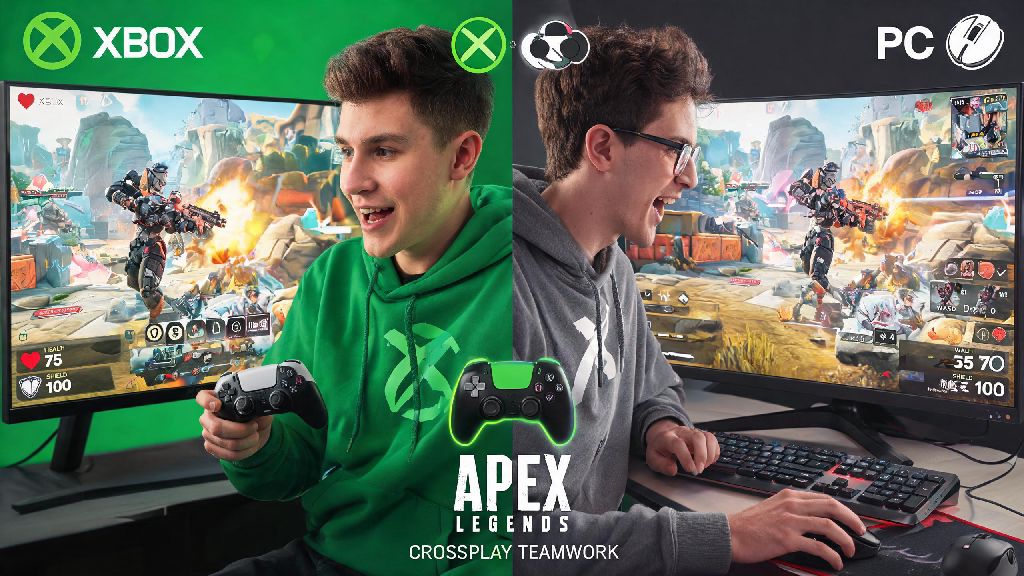
If you’ve ever wanted to squad up with your friend who games on Xbox while you’re on PC, you’ve probably asked: can xbox and pc play apex legends together. The short answer is yes, but there are a few settings, caveats, and best practices you’ll want to know before you jump into a match together. I’ve been playing Apex across both platforms for three years, and I’ve run into every crossplay quirk you can imagine, from mismatched skill lobbies to weird connection drops that only happen when mixing platforms. This guide breaks down everything you need to know to squad up smoothly, no unnecessary hassle included.
Can Xbox and PC Play Apex Legends Together? How Crossplay Works in Apex
Respawn first rolled out full cross-platform support for Apex Legends back in 2020, and it’s been enabled by default for all players ever since. It works across all Xbox models, including the Xbox One, Xbox Series S, and Xbox Series X, plus all PC versions of the game whether you own it on Steam, the EA App, or the old Origin client. Crossplay is automatically active for all players unless you manually disable it in your settings, so you don’t have to jump through extra hoops to see friends on other platforms.
If you were worried that you’d have to buy a copy of Apex on a second platform just to play with friends, the official answer to can xbox and pc play apex legends together means you don’t have to spend any extra money. The game is free to play on both platforms anyway, but your progress, skins, and rank are tied to your EA account, so you can even switch between Xbox and PC yourself and pick up right where you left off. When you squad up with someone on a different platform, the game will put you in a crossplay lobby, meaning you might run into players from PlayStation or Switch too, not just Xbox and PC.
You do have the option to turn off crossplay entirely if you want, but that will limit your matchmaking to only other players on your same platform who also have crossplay disabled. Queue times will be way longer if you turn it off, especially for ranked play or less popular limited time modes. Most players leave it on for faster queues and more varied lobbies.
Step-by-Step to Squad Up With Xbox and PC Friends
Adding cross-platform friends in Apex is a little different than adding friends on your native platform, because the game uses EA account credentials instead of Xbox Gamertags or Steam IDs for crossplay connections. You’ll need to share your unique EA display name (not your platform username) to add cross-platform friends. The number tag at the end of your EA name is required too, so make sure you share that as well.
Follow these simple steps to connect with your friends across Xbox and PC:
I’ve made the mistake of typing in a friend’s Xbox Gamertag instead of their EA name dozens of times, so double check that you’re using the right handle before you send a request. If you don’t know your EA display name, you can find it in the “Account” tab of your Apex settings, or by logging into your EA account online. Once you’re in a party together, you can queue for any game mode, including casual trios, ranked, arenas, or limited time events, no restrictions.
Key Differences Between Xbox and PC Crossplay Lobbies
A lot of console players worry about playing against PC users with mouse and keyboard, and that concern is totally valid. Mouse and keyboard inputs are faster and more precise for a lot of players, so it makes sense to wonder if you’ll be at a disadvantage in crossplay lobbies. The good news is Respawn has built in systems to level the playing field as much as possible. Apex uses input-based matchmaking for most casual modes, so if you’re playing on Xbox with a controller, you’ll mostly be matched against other controller users, even if they’re on PC.
That said, there is a catch. If you’re in a party with a PC player who uses mouse and keyboard, the entire lobby will be adjusted to mouse and keyboard skill levels, so you will face more mouse and keyboard users than you would in a strictly Xbox lobby. But don’t let that scare you off if you prefer controller. I’ve placed top 3 in plenty of crossplay lobbies while using an Xbox controller against PC mouse and keyboard players, so it’s totally possible to hold your own if you know your legend’s abilities well.
For ranked play, input-based matchmaking is less strict, to keep queue times reasonable, so you might run into more mixed input lobbies when climbing the ranks. If you really don’t want to play against PC players at all, you can turn off crossplay in your settings, but as I mentioned earlier, you’ll be waiting a lot longer to get into matches, especially in lower population regions or off-peak hours.
Common Crossplay Issues (and How to Fix Them Fast)
Even though crossplay works pretty well most of the time, I’ve run into my fair share of bugs when squadding up across Xbox and PC. The most common issue is not being able to see your friend’s online status, even if you’re both logged into the game. The fix for that is usually simple: both of you restart Apex, and if that doesn’t work, log out of your EA account and log back in. Sometimes the friend sync between platforms glitches, and a quick reset fixes it 90% of the time.
Another frequent problem is party chat not working across platforms. If you can’t hear your PC friend when you’re on Xbox, try switching from in-game chat to Xbox party chat, or use a third-party chat app like Discord on both devices, since in-game cross-chat can be glitchy after big season updates. I usually just use Discord with my cross-platform crew anyway, since it’s more reliable and we can chat even when we’re not playing Apex.
If you keep getting kicked from the lobby when you queue with a cross-platform friend, that’s almost always caused by one of you having an outdated version of the game. I ran into this exact issue last month when a season update dropped, and I spent 20 minutes confused why I couldn’t invite my Xbox friend to my PC party before I realized I hadn’t installed the 2GB patch yet. Don’t make that same mistake. If you keep getting matched against way higher skill players, check if anyone in your party has a much higher ranked rank than the rest of the squad. Mismatched skill levels in a party will pull the entire lobby up to the highest rank player’s level, so if you’re a Bronze player squadding up with a Master rank PC friend, expect to face a lot of tough opponents.
At the end of the day, the answer to can xbox and pc play apex legends together is a resounding yes, and it’s easier than ever to squad up with friends no matter what platform they use. As long as you double check your EA friend names, adjust your crossplay settings to fit your skill preference, and know how to fix the small common glitches that pop up, you’ll be able to enjoy matches with your cross-platform crew without any major headaches. I’ve made so many fun memories playing Apex with friends on both PC and Xbox over the years, and the crossplay feature makes it way easier to stay connected even when you don’t game on the same hardware. Just remember to have fun, and don’t get too frustrated if you run into a really good mouse and keyboard player once in a while.