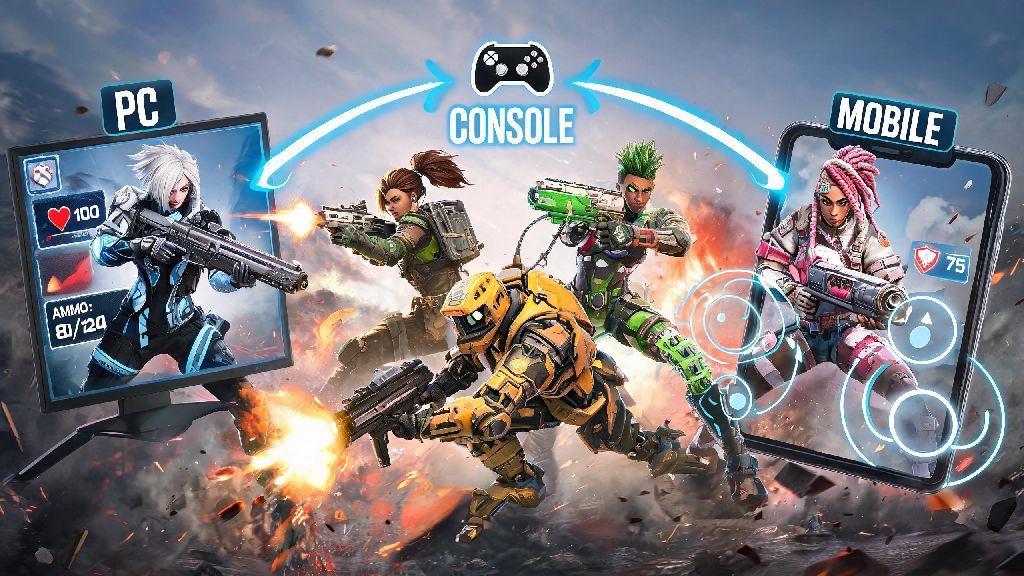
If you’ve ever logged off Apex on your PlayStation halfway through a ranked grind, then wanted to pick the match back up on your PC later, you’ve probably wondered: can you crossplay on Apex Legends? For most players, the answer is a resounding yes, but there are small caveats depending on what platform you use, who you want to play with, and what game modes you’re joining. I’ve spent the last three years hopping between console, PC, and mobile versions of the game, so I’ve run into every crossplay quirk you can imagine, from hidden region locks to weird party mismatch errors. This guide breaks down exactly what’s supported, how to set it up, and what to watch out for when playing across different devices.
Can You Crossplay on Apex Legends Across All Platforms?
First, let’s clear up exactly which platforms work together, because a lot of players get confused by the mobile and regional restrictions. The core, global version of Apex Legends supports crossplay across all non-mobile platforms, with no extra hoops to jump through for most matches. Here’s a quick breakdown of what works and what doesn’t:
Respawn rolled out full crossplay support back in 2020, and it’s been enabled by default for all new accounts ever since, so you don’t have to download any extra DLC or pay for a special feature to use it. The only time you’ll run into compatibility issues here is if you or a friend has crossplay manually disabled in their settings, which we’ll cover how to fix later. It’s also worth noting that cross-progression is tied to crossplay, so any skins, battle pass progress, or rank you earn on one platform will carry over to all other linked platforms under the same EA account.
How to Enable Crossplay and Squad Up With Friends On Other Platforms
Setting up crossplay takes less than a minute for most players, as long as you have your EA account linked to your platform of choice. If you created your Apex account on console first, you might have already linked an EA account during setup, but you can double check your link status through the EA website if you’re not sure. You don’t need to be friends on PSN, Xbox Live, or Steam to squad up with cross-platform friends, you only need to add each other as EA friends.
To add a cross-platform friend, open the friends tab from the main lobby, click the “add friend” button, and type in their exact EA ID. Make sure your friend gives you their exact EA ID, including capitalization and any special characters, because the friend search tool doesn’t have fuzzy matching. Once they accept your friend request, their name will show up in your friends list with a small icon indicating what platform they’re playing on, and you can invite them to your party the same way you would invite a friend on your native platform.
One thing to note if you’re playing on PlayStation or Xbox: you still need an active PS Plus or Xbox Live Gold subscription to play online, even if you’re squadding up with PC friends who don’t need a separate subscription. That’s a platform requirement, not an Apex one, so there’s no way around it. If you don’t see your cross-platform friend in your friends list after they accept your request, restart your game to refresh the EA friends sync. This is the most common fix for missing friends issues, and it works 90% of the time.
Common Crossplay Issues and Easy Fixes You Can Try First
I’ve run into so many random crossplay errors over the years, from party version mismatch errors to not being able to join a friend’s lobby even though we’re both on the latest game update. Most of these issues aren’t serious, and you can fix them in two minutes or less without contacting support.
The most common issue is accidental crossplay disable. A lot of console players turn crossplay off to avoid matching against PC mouse and keyboard users, and forget to turn it back on when they want to play with friends. To check, go to the settings menu, click the gameplay tab, and make sure the “cross platform play” toggle is switched on. If you’re a console player who wants to avoid PC lobbies, you can turn crossplay off any time, but you’ll only be matched with other players on the same console family as you. You might notice longer queue times when crossplay is off, especially for less popular game modes.
Another frequent issue is version mismatch. If one person in your party hasn’t downloaded the latest game patch, you won’t be able to join the same lobby. Even tiny hotfixes that are only a few megabytes can trigger this error, so make sure everyone in your party has auto updates enabled, or manually check for updates before queuing up. If you’re still getting a version mismatch error after updating, restart your game to make sure the patch is fully installed.
Region lock errors are also common if you or your friend play on servers in different parts of the world. To fix this, have everyone in the party select the same server from the main menu before forming a party. Stick to servers with ping under 100ms for everyone in the party to avoid lag or rubberbanding during matches.
Pros and Cons of Playing Apex Legends With Crossplay Enabled
Crossplay is one of the best quality of life updates Respawn has ever added to Apex, but it’s not perfect for every type of player. Before you leave it enabled by default, weigh these pros and cons to decide if it’s right for your playstyle.
The biggest upside of crossplay is the vastly larger player pool. Shorter queue times are the most obvious benefit, especially for limited-time modes that only have a small number of players in rotation. For ranked players, a larger pool also means more balanced matches, because the matchmaking system has more players to pick from to match your skill level. You also don’t have to worry about buying a new console or PC just to play with friends who own different hardware, which is a huge win for casual players who don’t want to spend hundreds of dollars on extra gear. Cross-progression tied to crossplay also means you can grind your battle pass on your couch on console, then switch to PC for more precise control when you want to play ranked.
The biggest downside for console players is that you’ll be matched against PC mouse and keyboard users by default. Mouse and keyboard gives players much faster aim and more precise movement control, which can feel unfair for controller players who are used to only playing against other controller users. Crossplay lobbies also occasionally have higher average ping, because the matchmaking system prioritizes filling lobbies fast over finding players with perfect matching ping. There’s also a slightly higher risk of running into cheaters in crossplay lobbies, since most cheaters use the PC version of the game, though Respawn has drastically improved its anti-cheat system in recent years to cut down on this issue.
At the end of the day, the answer to can you crossplay on Apex Legends is yes for almost every player on core PC and console platforms, and it’s a feature that makes the game way more accessible for casual and competitive players alike. If you’ve been avoiding it because you’re worried about PC players, you can always toggle it off for ranked matches and turn it back on when you want to mess around with friends on other devices. Just make sure you double check your EA account link and crossplay settings before you queue up, and you’ll be squadding up with friends across every platform in no time.