If you’ve ever played Apex with a new squadmate who’s stuck using the same three default legends because they don’t have enough coins to unlock their main, you’ve probably wondered can you gift legends in Apex. It’s an extremely common question, especially when new seasons drop with highly anticipated characters that shake up the meta. Gifting a legend to a friend is a great way to celebrate a big win, a birthday, or just thank them for carrying your team through a tough ranked grind. But before you head to the in-game store to make a purchase, it’s important to know how the gifting system actually works, and what limits are in place right now.
Can You Gift Legends in Apex Directly Through the In-Game Store?
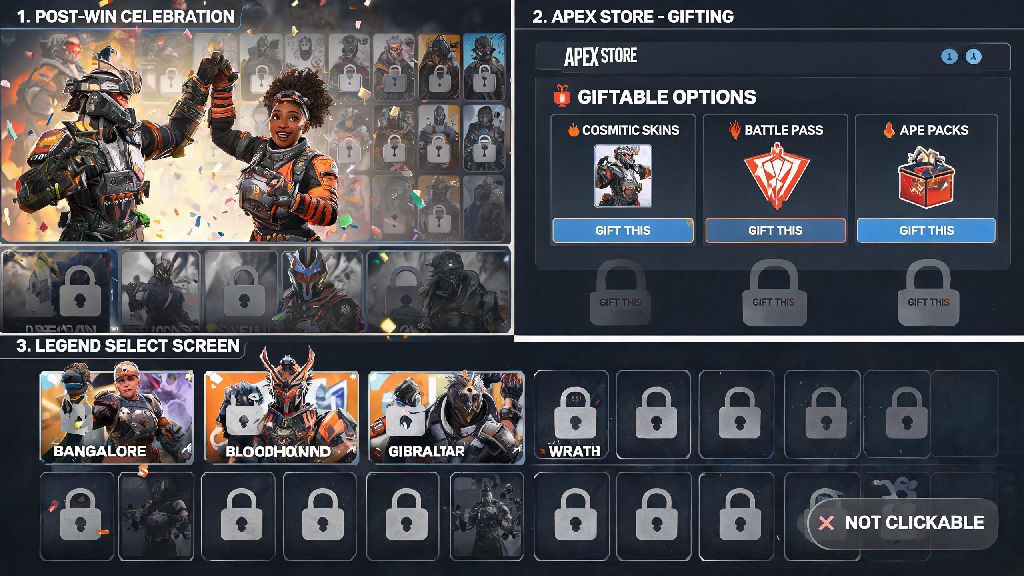
The short answer right now is no, you can’t gift individual legends directly through Apex’s in-game gifting menu. Respawn’s current gifting system only supports cosmetic items, battle passes, battle pass level bundles, and limited-time event packs. I’ve gotten dozens of DMs from players who tried to gift the newest legend to their duo partner right after a season drop, only to find the gifting option completely missing from the character’s store page.
Respawn has not given an official timeline for when legend gifting might be added, but it’s one of the most requested features across the Apex community. Multiple community polls have shown that over 70% of active players want the ability to gift characters to friends, so it’s likely we’ll see the feature added in a future update. For now, though, you’ll have to use a workaround if you want to get a legend for a friend.
Eligibility Rules for All Apex Gifting Features
Even though you can’t gift legends directly right now, it’s still useful to know the core gifting eligibility rules. These rules will apply to any future legend gifting feature if it launches, and they apply to all other giftable items in the game right now. Breaking any of these rules will result in your gift being blocked, even if you have enough coins to make the purchase.
One of the most common mistakes I see players make is trying to send a gift to someone they just added to their friends list. The 2 week waiting period is non-negotiable right now, so if you want to send a gift for a specific occasion, make sure you add your friend far enough in advance.
Legitimate Workarounds to Gift Legends to Apex Friends
Even without direct in-game legend gifting, there are completely safe, official ways to get a legend for a friend that take just a few minutes of your time. I’ve used all of these methods myself to gift legends to my squad over the years, and none of them carry any risk of account bans or fraud, as long as you stick to official retailers. If you’re still asking can you gift legends in Apex without spending money, the short answer is no, all workarounds require purchasing coins or bundles, since there’s no way to send free legend unlocks to friends.
The most reliable workaround is to buy a digital Apex Coins code for your friend’s specific gaming platform, then send them the code to redeem. They can use the coins to unlock any legend they want immediately, including brand new season launch characters. Stick to official platform retailers like the PlayStation Store, Xbox Store, Steam, or Nintendo eShop when buying codes, to avoid getting scammed with invalid or stolen codes. I remember last season when my main duo was begging to get Catalyst, but they didn’t have enough coins saved up. I picked up a $20 Steam gift card for them, sent it over Discord, and they unlocked her 10 minutes later. We won three matches back to back that night, so the gift was totally worth it.
Another option is to look for official Legend Edition bundles for the character you want to gift. These bundles usually include the legend, a few exclusive skins, and some bonus Apex Coins, and they are often giftable directly through platform storefronts, no in-game gifting required. This is a great option if you want to give a more complete gift, rather than just coins.
Never use third-party sites that claim to let you gift legends directly for a discounted price. These sites are almost always scams that will steal your account login info, payment details, or both. Respawn does not partner with any third-party sites to sell or gift legends, so any site making that claim is not legitimate.
Common Mistakes to Avoid When Trying to Gift Apex Legends
Even if you use the legitimate workarounds we listed, there are a few easy mistakes that can ruin your gifting experience. Most of these are simple to avoid if you take a minute to double check your purchase before you hit buy.
Always confirm which platform your friend plays on first before you buy any codes or bundles. Apex does not support cross-platform gifting right now, so a PlayStation code won’t work for someone who plays on Xbox, and a Steam code won’t work for someone who uses the EA App. I’ve made this mistake myself once, and I had to go through the hassle of returning a code because I mixed up my friend’s platform.
If you want to keep your gift a surprise, don’t just guess which legend they want. You can ask their regular duo partner or another squad member what their most wanted legend is, so you don’t waste money on a character they already own. You can also scroll through their recent match history to see which legends they keep trying to pick even when they’re locked, which is a subtle way to figure out their main without asking.
Finally, if your friend lives in a different region, make sure the gift card or code you buy is valid for their region. Regional pricing and currency restrictions mean that codes bought in one country won’t work in another, so double check the region listing before you complete your purchase.
While the answer to can you gift legends in Apex is no for direct in-game purchases right now, the workarounds available are simple, safe, and just as thoughtful as a direct gift. If Respawn adds official legend gifting in a future update, the eligibility rules we covered earlier will almost certainly apply, so it’s good to familiarize yourself with them now. Whether you’re gifting coins to a new player so they can unlock their first main, or picking up a limited edition bundle for your long-time duo, small gifts like this make playing Apex with friends even more fun.