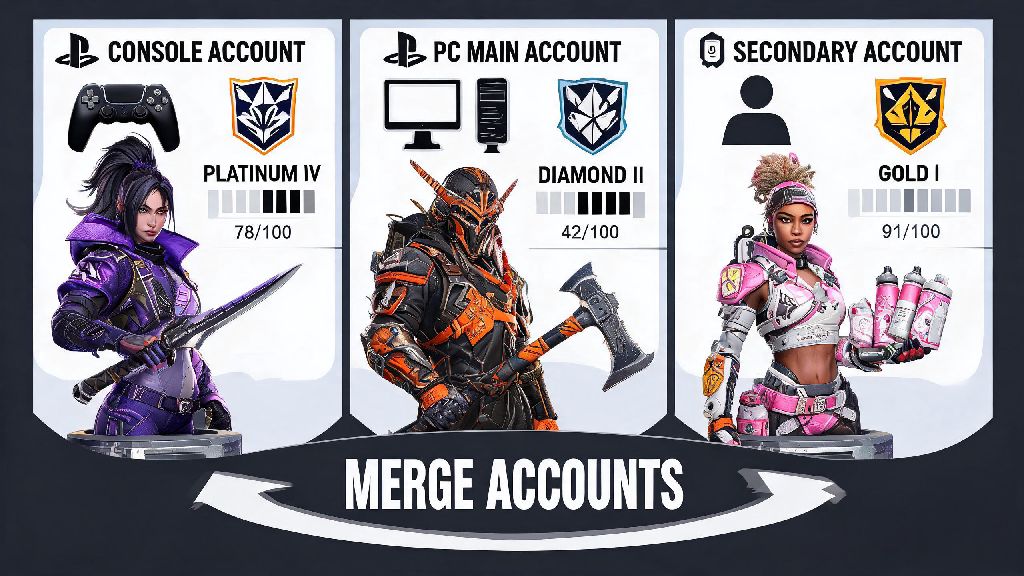
If you’ve hopped between platforms over your time playing Apex Legends, you’ve probably got at least two accounts floating around with different skins, heirlooms, or rank progress. Maybe you made an account on Xbox when the game first launched, then switched to PC a few years later and had to start from scratch. Or you have a secondary account you used to play with lower-rank friends that has a rare event skin you wish you could move to your main. It’s no surprise so many players ask can you merge Apex Legends accounts to cut down on the grind and keep all their favorite unlocks in one place.
Can You Merge Apex Legends Accounts Officially?
The short answer to this common question is no, at least as of the latest game updates. Respawn Entertainment has never offered a formal account merging feature for Apex Legends, and there are no public plans to add one in the future. That might feel frustrating if you’ve got multiple accounts with valuable unlocks, but there are solid reasons behind the decision.
First, account merging would create major risks for account security and fair play. If players could combine accounts, it would make it far easier for people to buy and sell accounts with rare skins or high ranks, which violates the game’s terms of service. It would also let cheaters who get banned on one account move their purchased or earned unlocks to a new account, reducing the impact of bans. Second, the technical lift of merging two separate EA accounts with years of different progress, purchase history, and platform-specific data is far more complex than most players realize. Rare event skins and heirlooms are tied permanently to the account they were earned on, and there’s no easy way to move them between separate profiles.
You might have seen old posts online talking about account migration windows from a few years ago. Those were limited, one-time options for players to move their progress from Origin to Steam when the game launched on the Steam platform, or to link console accounts when cross-progression rolled out. Those were not account merging features, and they are no longer available for players to use.
What Alternatives Do You Have If You Want to Combine Progress?
While you can’t merge two separate Apex Legends accounts, there are a few official options to get as close as possible to having all your progress in one place. Most players will find these options cover their needs, especially if they only switch between platforms instead of having multiple separate EA accounts.
Cross-progression is the closest official feature to account merging available right now, and it works for almost all cross-platform play needs. To set it up, you just log into your EA account on the official EA website, go to the connected accounts section, and link all your platform accounts to your primary EA profile. You’ll be asked to select which account you want to use as your primary progress source, so make sure you pick the one with the most unlocks you want to keep.
Common Risks of Trying Unofficial Account Merging Methods
If you’ve searched for answers to this question before, you’ve probably seen posts on Reddit, Discord, or social media from people claiming they can merge your Apex accounts for a small fee. These offers are never legitimate, and trying to use them can cost you all your progress permanently.
Any third-party service claiming to merge Apex Legends accounts is a scam. Most of these services will ask you for your EA account login credentials, including your password and two-factor authentication codes. Once they have access to your account, they can steal all your rare skins by trading them to other accounts (if you play on a platform that allows gifting), change your login information to lock you out, or use your account to cheat in public matches. Even if they don’t do any of that, you’ll end up paying them for a service they can’t actually deliver.
Sharing your EA account credentials with anyone violates the terms of service, even if you think the person is trustworthy. If Respawn detects that your account has been accessed by someone else, or that you’ve attempted to use a third-party merging service, they can issue a permanent ban on your account with no option to appeal. I’ve seen this happen to a friend who tried to use a Discord service to move a rare Wraith skin from his old secondary account to his main. He lost both accounts permanently, and support wouldn’t help him reverse the ban.
How to Keep Your Apex Progress Safe When Switching Platforms
If you’re switching to a new platform and don’t want to lose all your existing progress, there are a few simple steps you can take to make sure everything transfers over correctly, no merging required.
First, before you set up cross-progression, take inventory of all your existing accounts to figure out which one has the unlocks you care most about. You only get to pick one primary account when you set up cross-progression, so you don’t want to pick the wrong one by mistake. Check for rare event skins, heirlooms, battle pass progress, and rank points to make your decision.
Always verify that your primary account is selected as the default during cross-progression setup. The setup wizard will show you a preview of what progress will be kept from each account, so double check that the primary account listed is the one you want to use. Once you confirm your selection, you can’t change it later, so take your time with this step.
If you already have a secondary account with a few rare skins you can’t move to your main, don’t stress too much. Respawn regularly re-releases old event skins in the in-game store, so you’ll probably have a chance to buy those skins on your main account eventually. It might take a little patience, but it’s far safer than risking a ban trying to merge accounts illegally.
At the end of the day, the answer to can you merge Apex Legends accounts is still no, but that doesn’t mean you have to lose all your progress when you switch platforms. The official cross-progression feature covers almost all use cases for players who want to access their account across different devices, and it’s completely safe to use. Just stay away from any unofficial merging offers, take your time setting up your cross-progression correctly, and you’ll be able to enjoy all your favorite skins and unlocks no matter where you play.