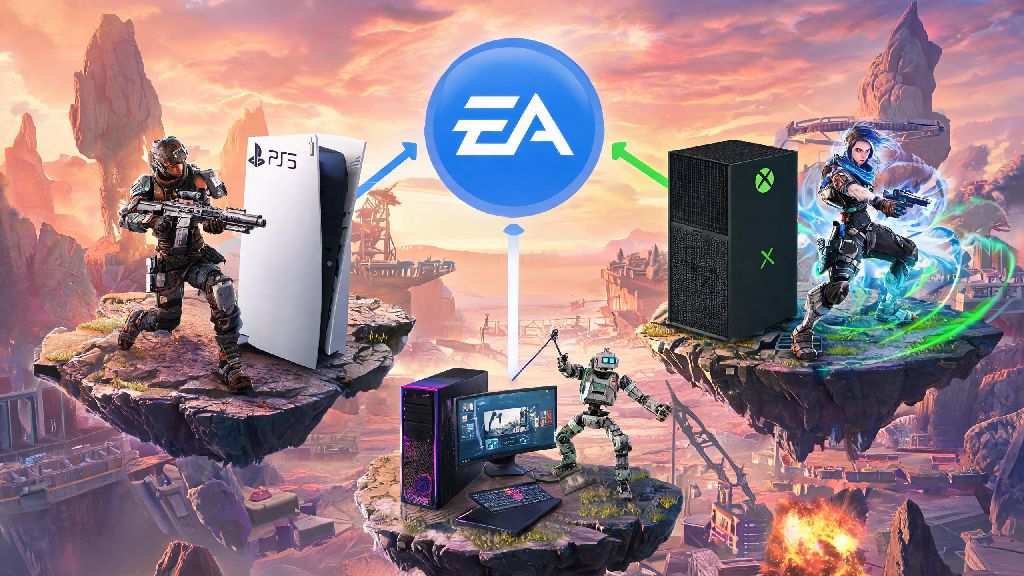
If you’ve ever switched consoles, started playing on PC after years on PlayStation, or wanted to split your game time between devices, you’ve probably asked can you link accounts on Apex Legends. I went through this whole process last year when I switched from playing exclusively on Xbox to splitting my time between console and PC, and I almost lost three seasons worth of ranked badges because I skipped a key step. I put together this guide to walk you through every rule, step, and common pitfall so you don’t make the same mistake I did. We’ll cover which platforms work, what you can and can’t do, and how to keep all your hard-earned skins and progress safe.
Which Platforms Support Apex Legends Account Linking?
First, it’s important to understand that all Apex Legends progress is tied to your EA account, not your individual platform account. That means linking accounts just means connecting your platform (PlayStation, Xbox, etc.) profile to a single central EA account to sync progress across devices. EA account is the core of all Apex Legends account links, so you’ll need access to the email associated with your primary EA account before you start.
As of the latest game update, you can link your Apex Legends profile across all major supported platforms. The full list of compatible platforms includes:
You don’t have to link all of these, either. If you only play on PlayStation and Steam, you can connect just those two and leave the rest unlinked if you never use them. Cross-progression is automatically enabled for all linked accounts, so any rank progress, unlocked characters, event badges, and cosmetic skins you earn on one device will show up on all others. Apex Coins purchased on a console will not carry over to PC or other platforms, even with linked accounts, so keep that in mind if you’re planning to buy coins ahead of a switch.
How to Confirm If You Can Link Accounts on Apex Legends for Your Use Case
The short answer to the main question is yes, you can link accounts on Apex Legends, but there are very specific rules about what counts as “linking” and what isn’t allowed. A lot of players confuse linking with merging, and that’s where most confusion starts. You cannot merge two separate Apex Legends accounts that both have existing progress. If you have one account with 100 hours on PlayStation and another separate account with 50 hours on PC, you can’t combine those two into one account with all the progress from both.
Linking only works when you have one primary EA account with existing progress, and you want to connect a new, unused platform profile to that EA account. For example, if you’ve played Apex on PlayStation for two years and just bought a new gaming PC, you can link your PlayStation profile’s EA account to your Steam account when you first launch Apex on PC. When you log in for the first time, all your PlayStation progress will automatically sync to your PC version.
So, what if you already started playing on a new platform before linking? If you’ve only played a handful of matches and don’t care about the small amount of progress on the new account, you can still link to your primary account. The new platform’s progress will be overwritten by your primary account’s progress, so only do this if you’re okay losing that new data. If you have significant progress on both accounts, you’ll have to pick one to keep as your primary, because merging still isn’t supported as of today.
Step-by-Step Process to Link Your Apex Legends Accounts Safely
The linking process is pretty straightforward, but it’s easy to make a tiny mistake that locks you out of changes for a full year. Always back up your existing account progress before starting any linking process — take screenshots of your rank, owned skins, and Apex Coin balance just in case something goes wrong. You’ll also need access to the email address tied to your primary EA account to verify the connection.
If you’re linking a console account to your EA account, start by opening Apex Legends on your console. When you reach the main menu, you’ll see a pop-up asking you to log into an EA account if you haven’t already connected one. Use the QR code on the screen or the provided link to log into your primary EA account on your phone or computer, and follow the prompts to confirm the connection. Once you confirm, restart your game, and all your cross-progression data will load automatically.
If you’re linking a Steam or EA App account to your existing console progress, open the EA App first (even if you play through Steam) and log into your primary EA account. Go to your account settings, then select “Connected Accounts.” Find the platform you want to link (Steam, PlayStation, Xbox, or Switch) and click the connect button. Log into your platform account when prompted, and confirm the connection. Make sure you are logged into the correct EA account when linking, as changes are permanent for 12 months after you connect a platform.
Once you’ve completed the process, open Apex on both devices to confirm all your progress is showing up correctly. If something is missing, log out and back in first, and give the servers a few minutes to sync all your data. If skins or badges are still missing after 24 hours, you can reach out to official EA support for help.
Common Mistakes to Avoid When Linking Apex Legends Accounts
I’ve seen dozens of players lose hundreds of dollars worth of skins or get their accounts banned entirely because they made avoidable mistakes during the linking process. The first and most serious mistake is trying to link an account you didn’t create yourself. Attempting to link a purchased or shared Apex Legends account can result in a permanent ban for violating EA’s terms of service. You should only ever link accounts that you own and created with your own personal information.
Another common mistake is linking accounts from different regions. If your primary EA account is registered to North America, and you link a PlayStation account registered to Japan, you might lose access to region-specific event skins, and your in-game store prices will not match your local currency. You also won’t be able to play with friends in your original region as easily, so make sure all your connected accounts are registered to the same region before you link them.
Don’t try to unlink and re-link accounts frequently, either. EA only allows you to unlink a platform from your EA account once every 12 months. If you link the wrong account by accident, you’ll have to wait a full year to fix it, so double check all login details before you hit the confirm button. It’s also a good idea to enable two-factor authentication on both your EA account and all your platform accounts before linking, to add an extra layer of security against hacks.
At the end of the day, can you link accounts on Apex Legends is a pretty simple question with a pretty simple answer: yes, as long as you follow EA’s rules and are connecting new platform profiles to a single primary EA account. You won’t be able to merge two existing accounts, but you can sync all your progress across every device you own if you follow the steps we outlined above. Take your time, double check all your login details, and don’t skip the step of backing up your progress before you start — you’ll be able to jump between devices with all your favorite skins in no time.