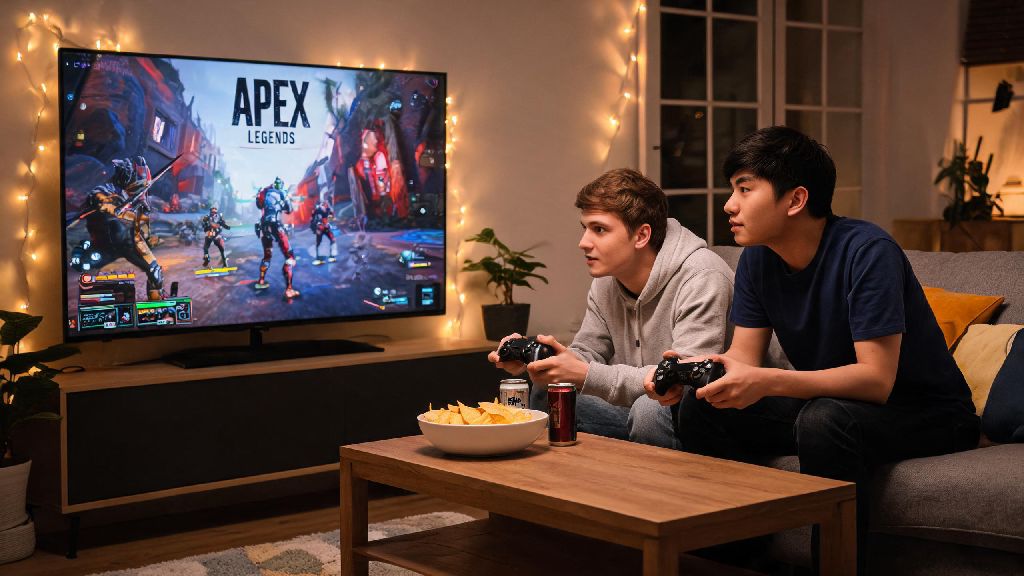
Imagine you’ve got a friend over for game night, a bowl of chips on the coffee table, and both of you are itching to drop into Kings Canyon for a few rounds of Apex Legends. You grab an extra controller, plug it in, and immediately wonder: can u play split screen on apex legends? It’s one of the most common questions we get from casual players who don’t want to haul a second console or PC to a friend’s house just to play together. In this guide, we’re covering the official status of split screen support, safe workarounds you can try, platform-specific details, and everything else you need to know to plan your next Apex game night.
Can U Play Split Screen on Apex Legends? Official Developer Status
Let’s cut straight to the chase: as of the latest season updates, there is no native split screen support for Apex Legends on any platform. Respawn Entertainment, the studio behind the game, has repeatedly addressed this question in community Q&As and social media posts over the years. The core reason for the lack of split screen comes down to performance. Apex Legends is built to run at a smooth 60fps (or higher on high-end PCs and new consoles) with detailed map assets, real-time cross-play functionality, and constant server updates. Adding split screen would require the game to render two separate full perspectives at once, which would drop frame rates significantly, even on the most powerful hardware.
If you’ve been searching for answers to can u play split screen on apex legends, you’ve probably run into a lot of conflicting info online, from fake mods to unconfirmed leaks. There were unconfirmed rumors back in 2022 that suggested Respawn was testing split screen functionality for casual game modes, but the studio never confirmed these claims, and no public build of the game has ever included the feature. Be wary of any third-party mods or downloads that claim to add split screen support to Apex Legends – these almost always violate EA’s terms of service, and using them can result in a permanent account ban, even if you only use them for private matches.
Workarounds to Play Apex Legends With a Friend on the Same Device
While native split screen isn’t available, there are a few low-risk, fun workarounds you can use to enjoy Apex with a friend in the same room, as long as you’re not planning to grind ranked matches together. None of these are official features, but they don’t require any third-party software that would put your account at risk:
If you’re an advanced PC user, you may have seen tutorials online for setting up two separate instances of Apex Legends on one PC, with a split screen output and two separate controllers. We don’t recommend this workaround, as it often requires modding the game client to run multiple instances, which can trigger anti-cheat detection and get your account banned. The only safe way to play full matches alongside a friend in the same room is to use two separate devices connected to the same internet network, even if that means bringing a laptop or second console over for game night.
Platform-Specific Details for Split Screen Attempts
The feasibility of any split screen workaround depends heavily on what platform you play Apex Legends on, so we’ve broken down the details for every major platform below:
For PC players: The dual-instance split screen trick is technically possible, but it requires an extremely high-end rig. You’ll need a GPU with at least 16GB of VRAM, 32GB of RAM, and a top-tier processor to run two instances of the game at 60fps at the same time. You will also need two separate EA accounts to log into both instances, as you can’t run the game twice on the same account. Again, we don’t recommend this, as it can trigger Easy Anti-Cheat bans even if you’re only playing private matches.
For PS5 and Xbox Series X/S players: There is no way to run two instances of Apex Legends on the same console, so split screen is completely off the table without official support. Your only options are turn-based play, or using two separate consoles connected to the same TV via different HDMI inputs if you have them available. Many newer TVs support split screen HDMI inputs, so you can run two separate consoles on the same screen without any in-game split screen functionality required.
For Nintendo Switch players: The Switch has far less processing power than modern consoles or PCs, so even if Respawn ever released split screen support for the platform, it would likely run at 30fps or lower, with reduced graphical quality. Respawn has explicitly stated there are no plans for split screen support on the Switch, as the team is focused on improving base performance for the portable version of the game.
Pros and Cons of Split Screen Support for Apex Legends
The community is split on whether Respawn should prioritize adding split screen support to Apex Legends, and there are valid arguments on both sides of the debate. Let’s break down the biggest pros and cons to help you understand why the feature hasn’t been added yet:
The biggest pros are all about accessibility and casual play. Split screen would make the game far more accessible for younger players who share consoles with their siblings, or for people who can’t afford to buy multiple consoles or PCs to play with friends locally. It would also open up new opportunities for local game events, watch parties, and casual tournament nights where people can play together without bringing their own devices. Many casual players have been asking for the feature for years, and it would likely bring a lot of lapsed players back to the game.
The biggest cons are related to performance and competitive balance. As we mentioned earlier, adding split screen would require Respawn to divert a lot of development resources away from new seasons, bug fixes, and new content, to build and test the feature across all platforms. It would also create a competitive imbalance, as players using split screen would have lower frame rates and a smaller field of view than players using full screen, which would put them at a big disadvantage in ranked or competitive matches. Many top-tier competitive Apex players have spoken out against split screen support, as they worry it would create unnecessary balancing issues for the competitive scene.
If you really want to see split screen added to Apex Legends, the best way to make your voice heard is to submit polite feedback to Respawn via their official community forums or social media channels. The studio regularly reviews community feedback when planning future updates, so enough demand could push them to add the feature down the line.
At the end of the day, the answer to can u play split screen on apex legends is no, there’s no official native support available on any platform right now. But that doesn’t mean you can’t have a great time playing the game with friends in the same room – the turn-based play workaround is a ton of fun for casual game nights, and it doesn’t put your account at risk of bans. If you’re a more competitive player, your best bet is to invest in a second low-cost console or laptop to bring to friend’s houses, so you can play full matches alongside each other without any workarounds. If Respawn ever announces official split screen support for Apex Legends, we will update this guide immediately with all the setup instructions, platform limitations, and tips you need to get started. For now, grab an extra controller, stock up on snacks, and enjoy your next Apex game night, even if you have to take turns dropping into the arena.